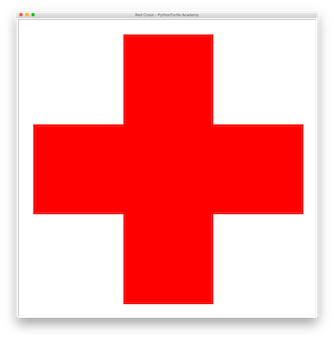
Colored Semi-Regular Tessellation 4.6.12 with Python Turtle 04/16/201904/16/2019 | JinshengJinsheng | 0 Comment | 10:10 pm Categories: Difficulty Level 6 loop Color the Semi-Regular Tessellation 4.6.12 with your favorite colors. Colored Semi-Regular Tessellation 4.6.12 Tags: loop, semi-regular tessellation, tessellation Post navigation PREVIOUS Previous post: Colored Semi-Regular Tessellation 3.3.4.3.4 with Python TurtleNEXT Next post: Colored Semi-Regular Tessellation 3.3.3.3.6 with Python Turtle Related Post Red Cross with Python Turtle (Source Code)Red Cross with Python Turtle (Source Code) 09/08/202009/08/2020 | J & J Coding AdventureJ & J Coding Adventure | 0 Comment The following red cross with Python and Turtle. You need to fill it with a color. Source Code: READ MOREREAD MORE Curvy Fractal Tree (Source Code)Curvy Fractal Tree (Source Code) 09/01/202009/01/2020 | J & J Coding AdventureJ & J Coding Adventure | 0 Comment Draw the following curvy fractal tree with recursion and Turtle library. Source Code: READ MOREREAD MORE Rotating Line AnimationRotating Line Animation 02/28/201902/28/2019 | J & J Coding AdventureJ & J Coding Adventure | 0 Comment In this easy animation project, draw a rotating line. You may need to call tracer(0,0) before the animation and call update() function after drawing each frame. You may also want READ MOREREAD MORE
Red Cross with Python Turtle (Source Code)Red Cross with Python Turtle (Source Code) 09/08/202009/08/2020 | J & J Coding AdventureJ & J Coding Adventure | 0 Comment The following red cross with Python and Turtle. You need to fill it with a color. Source Code: READ MOREREAD MORE
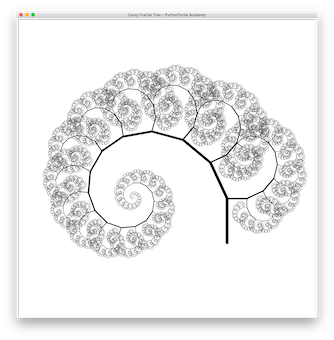
Curvy Fractal Tree (Source Code)Curvy Fractal Tree (Source Code) 09/01/202009/01/2020 | J & J Coding AdventureJ & J Coding Adventure | 0 Comment Draw the following curvy fractal tree with recursion and Turtle library. Source Code: READ MOREREAD MORE
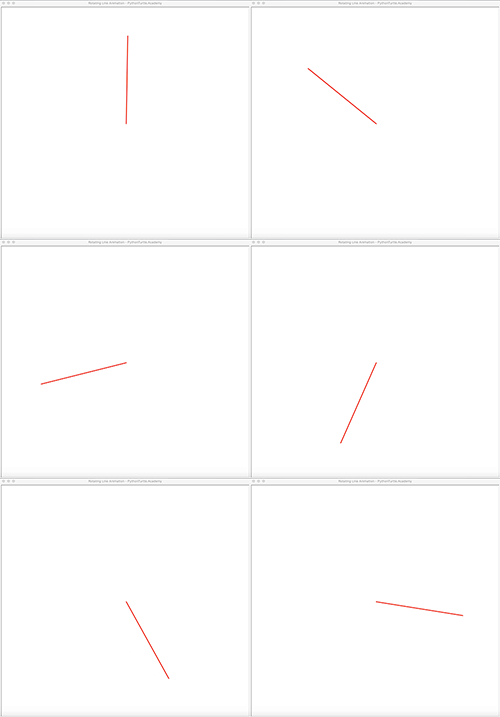
Rotating Line AnimationRotating Line Animation 02/28/201902/28/2019 | J & J Coding AdventureJ & J Coding Adventure | 0 Comment In this easy animation project, draw a rotating line. You may need to call tracer(0,0) before the animation and call update() function after drawing each frame. You may also want READ MOREREAD MORE