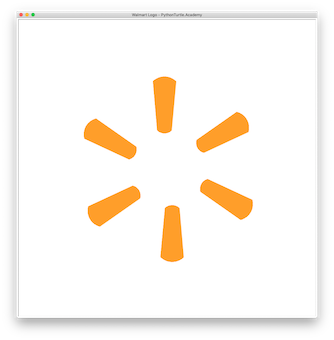
Walmart Logo with Python Turtle 05/05/201905/05/2019 | J & J Coding AdventureJ & J Coding Adventure | 0 Comment | 10:13 pm Categories: Difficulty Level 4 loop Walmart Logo with Python Turtle Tags: fun shapes, logo, loop Post navigation PREVIOUS Previous post: Drawing Alien with Python TurtleNEXT Next post: iTunes Store Logo with Python Turtle Related Post NebulaNebula 04/13/201904/13/2019 | ninjaparrotninjaparrot | 0 Comment Use Oval or Ellipse to draw a nebula! READ MOREREAD MORE Square Grid AnimationSquare Grid Animation 03/13/201903/13/2019 | J & J Coding AdventureJ & J Coding Adventure | 0 Comment Continue on a previous Square Grid project, animate the square by varying the number of grids while keeping the overall square size the same. READ MOREREAD MORE 3D Tessellation Effect with Python Turtle3D Tessellation Effect with Python Turtle 04/17/201904/17/2019 | J & J Coding AdventureJ & J Coding Adventure | 0 Comment Use parallelogram and square to fill the plane. Add shades to the shapes to have 3D effect. READ MOREREAD MORE
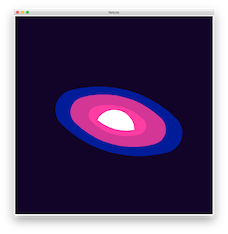
NebulaNebula 04/13/201904/13/2019 | ninjaparrotninjaparrot | 0 Comment Use Oval or Ellipse to draw a nebula! READ MOREREAD MORE
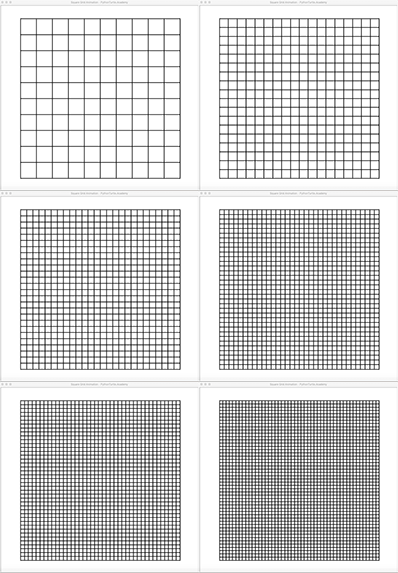
Square Grid AnimationSquare Grid Animation 03/13/201903/13/2019 | J & J Coding AdventureJ & J Coding Adventure | 0 Comment Continue on a previous Square Grid project, animate the square by varying the number of grids while keeping the overall square size the same. READ MOREREAD MORE
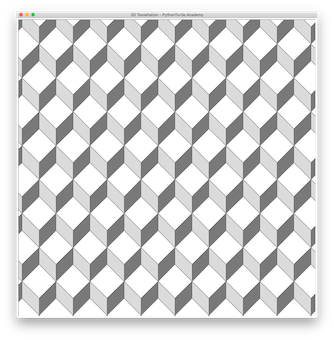
3D Tessellation Effect with Python Turtle3D Tessellation Effect with Python Turtle 04/17/201904/17/2019 | J & J Coding AdventureJ & J Coding Adventure | 0 Comment Use parallelogram and square to fill the plane. Add shades to the shapes to have 3D effect. READ MOREREAD MORE